Legacy admin: Home
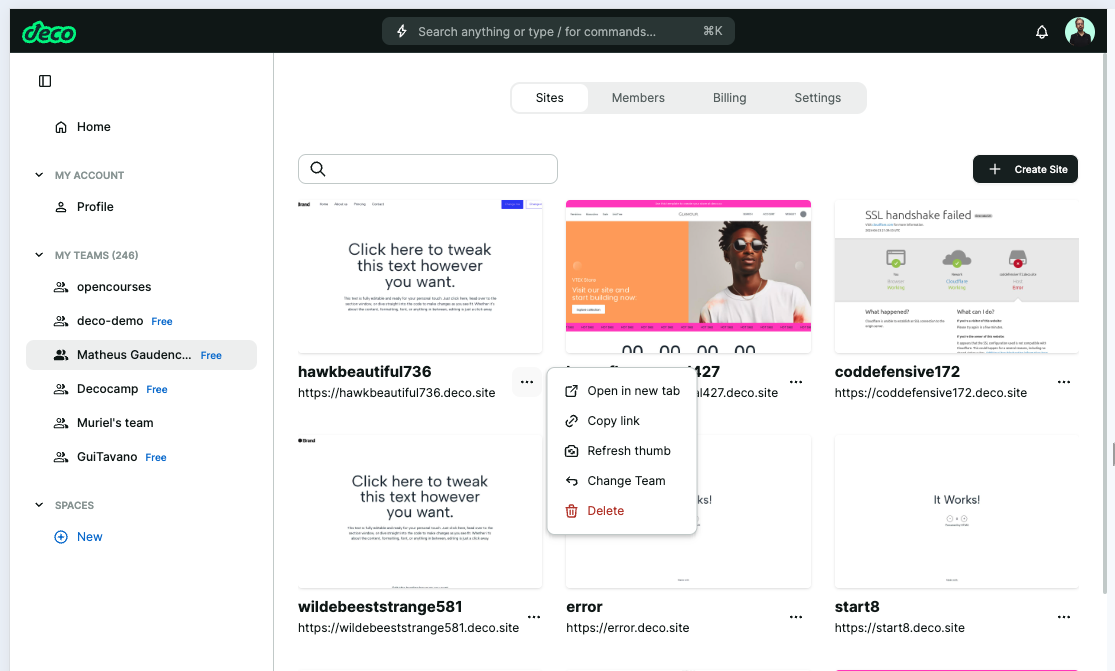
Home: team management, sites, and user profile
Retired legacy admin archive. Fresh and the former deco.cx admin are retired. Use released Blocks 7.x for the website runtime and Studio Site Editor for current content work. This page preserves the former deco.cx admin workflow and screenshots. For the Studio Site Editor, use the current editor guides. Migration notes explain the change.
Prefer to watch? The deco CMS training walks through this editor in five videos — settings, content, SEO, segments, and publishing.
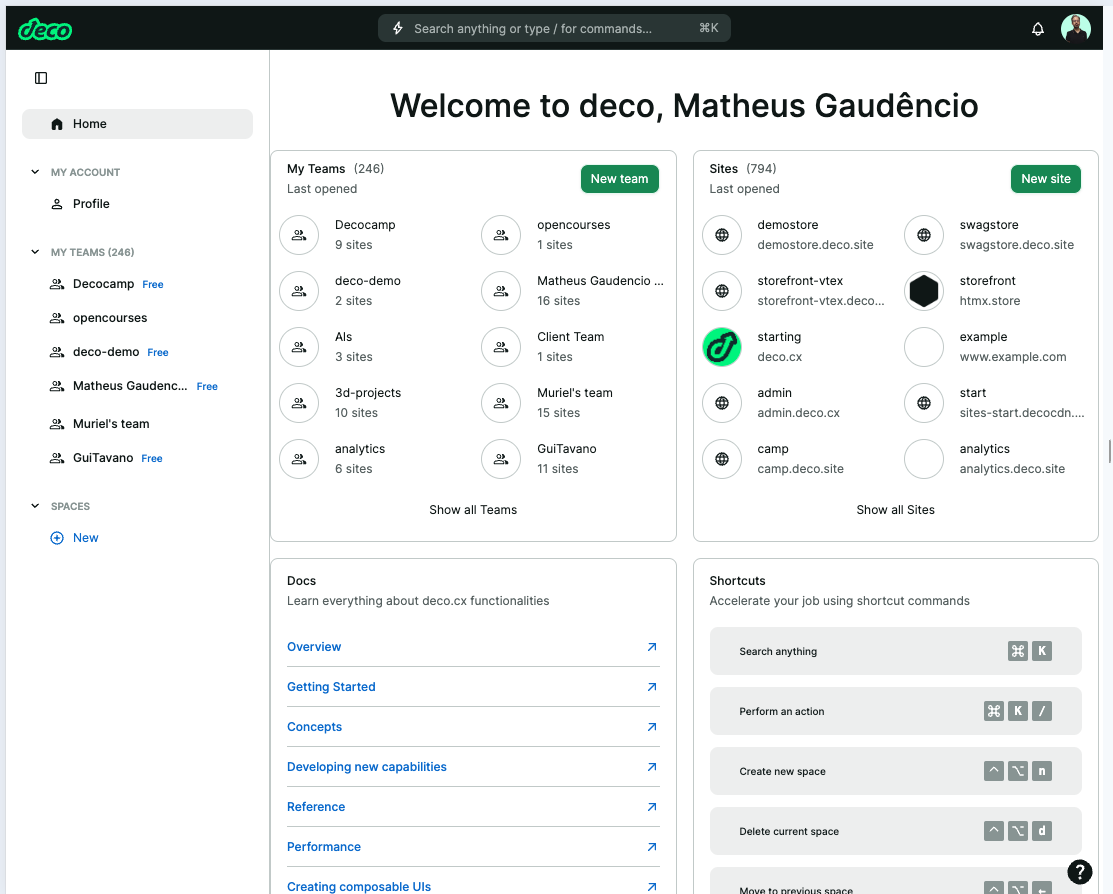
The home represents the user's initial space. From this screen, it is possible
to access sites, teams, as well as the deco documentation itself.
Command Bar
On the home page, and throughout the use of the admin, a command bar will
always be available in the top bar of the screen. The command bar operates
according to the open context. On the home page, it allows searching for and
opening user sites and teams.
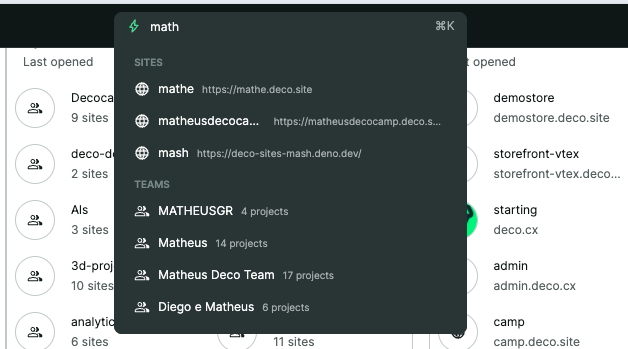
In addition, it is possible to perform specific commands. The following commands
are available on the home page:
- /open: to open sites or teams (default command when selecting a team or site from the search)
- /delete: to delete sites or teams
Profile
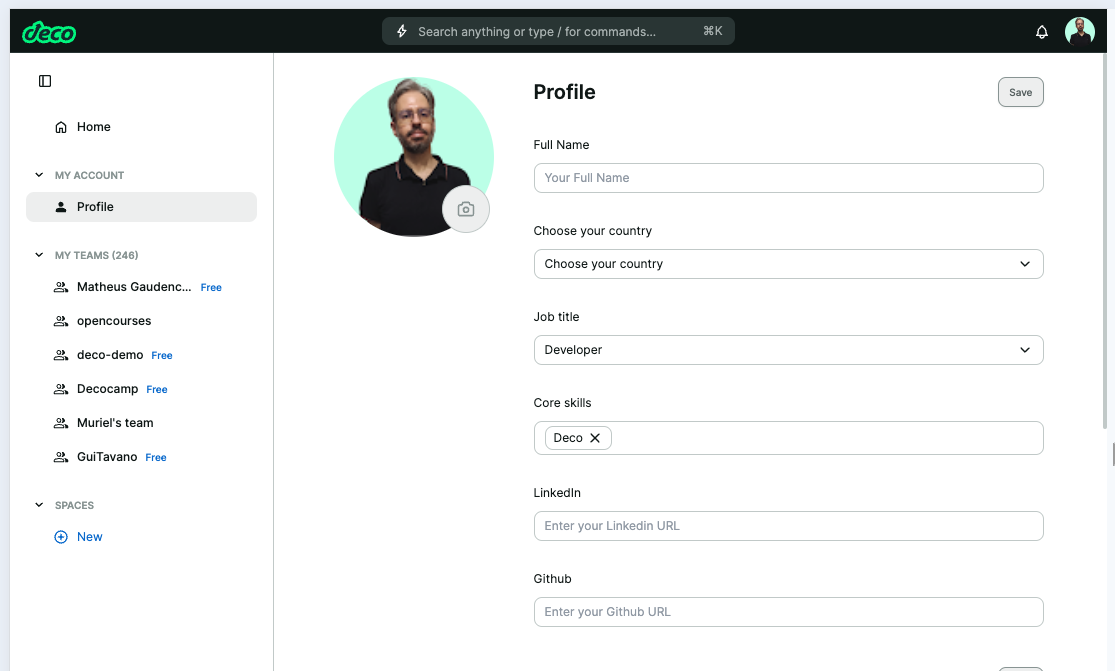
In addition to the command bar, it is always possible to access your user
profile from any space in the admin. To do this, access your user photo in the
upper right corner.
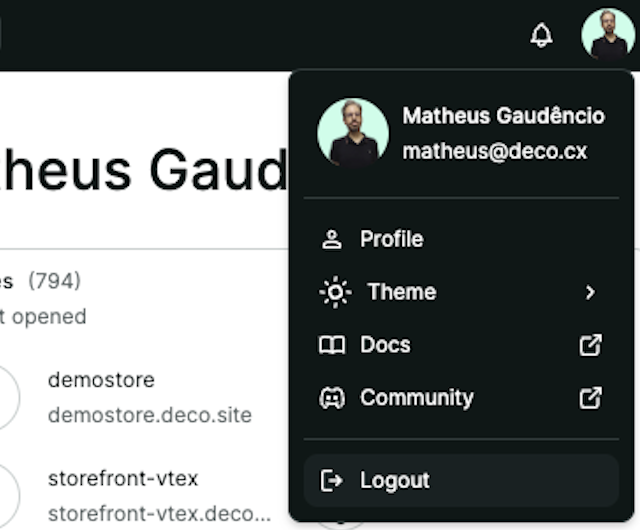
In it, it is possible to define settings regarding your profile (including your photo), payment details (for users who perform tasks), and an API key for admin usage.
API Key (Dev)
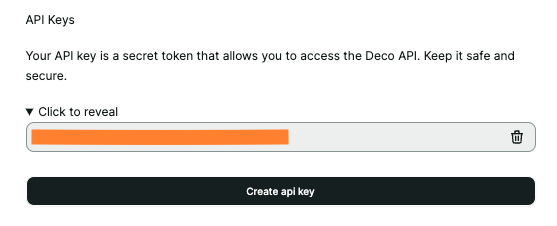
The API Key allows you to perform operations in the admin (loaders and actions)
with the permissions of your user. In the request for admin loaders/actions,
define the x-api-key header that is provided on this screen.
Teams
Team management allows configuration of:
- Sites: Listing of team sites, as well as the ability to move, delete, and open sites
- Members: Listing of team members, allowing role management and member invitation
- Billing: Allows hiring and management of the account type for the team
- Settings: Changes the team name or deletes the team itself