

Legacy admin: Actions
Actions (execution of actions)
Retired legacy admin archive. Fresh and the former deco.cx admin are retired. Use released Blocks 7.x for the website runtime and Studio Site Editor for current content work. This page preserves the former deco.cx admin workflow and screenshots. For the Studio Site Editor, use the current editor guides. Migration notes explain the change.
Actions represent functions that are typically invoked by users in the browser. For example, signing up for a newsletter, adding an item to a shopping cart, or any operation that requires server intervention.
In the platform, you can test such actions, or even have actions that are only executed in this administrative interface.
Unlike sections and loaders, it is possible to save pre-configured entities, but
there is not much usefulness in this. In this sense, by accessing the sidebar
Advanced > Actions, you will have access to the actions library and the
ability to create, save, edit, and execute existing actions.
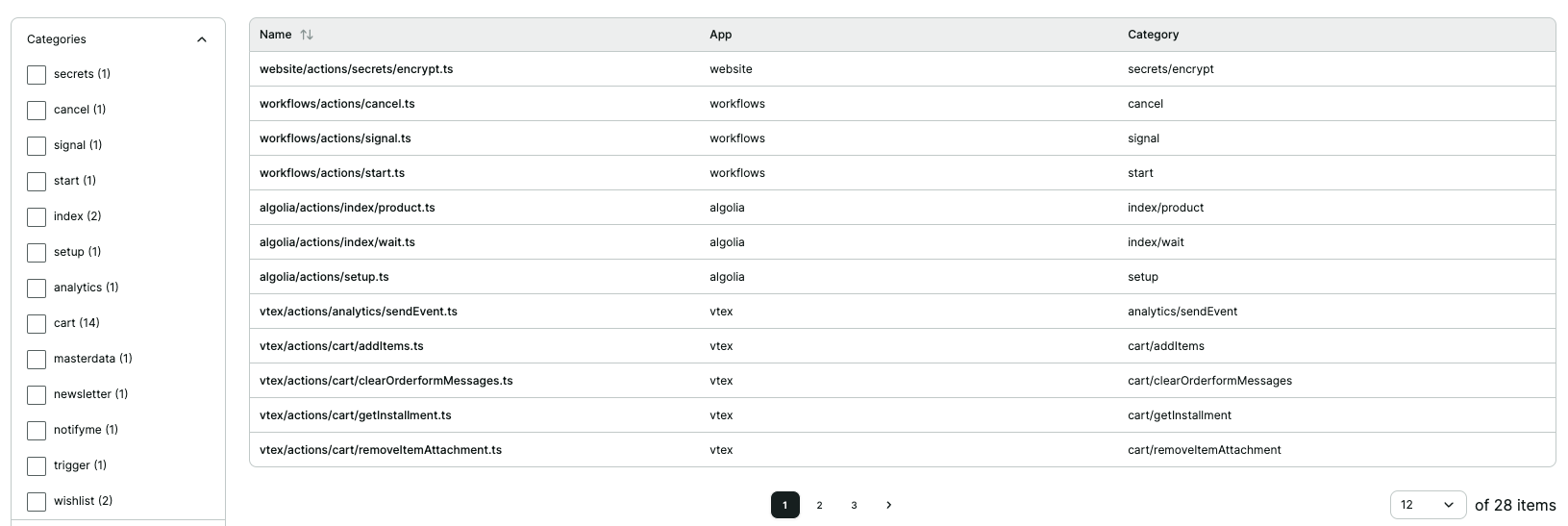
The different categories present in the listing are obtained from the directory where the action is located or from the originating App (an App can import different actions).
From this screen, you can:
- Saved: List saved actions
- Library: List and test all available actions for use
- Create new Action: Create new actions
Listing and testing actions
When listing actions in the library, and when clicking on an action, you gain access to a preview of the Action, as well as access to the original code of that element. It is also possible to edit the code to test changes in the functionality of the component.
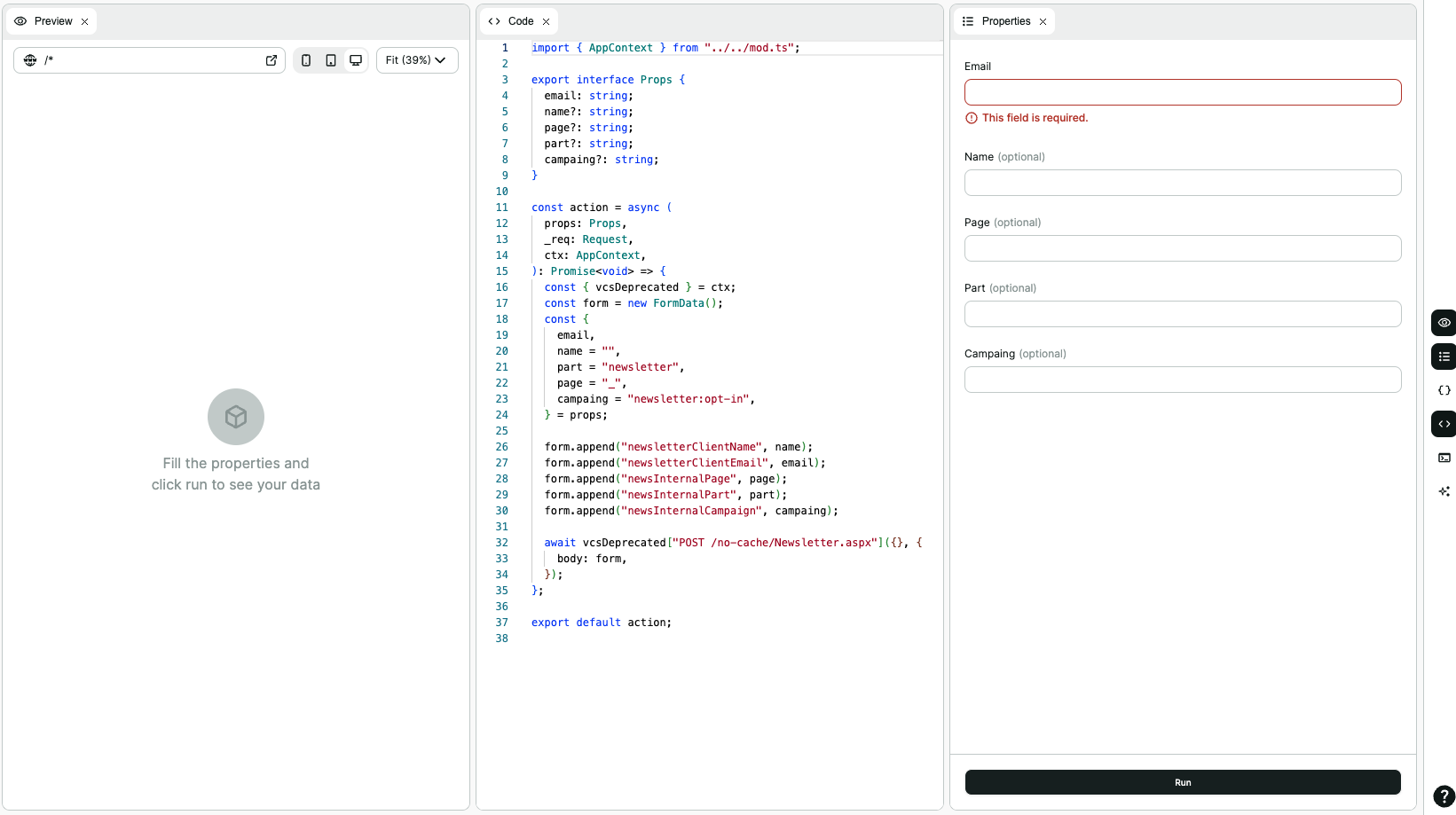
In the right sidebar, you can access:
🌐Element preview☰Form with properties{}Textual description of properties</>Code editor🖥️Logs related to the loader preview✨Decopilot: AI for code modification
Create new Action
It is possible to create a saved action or the base (template) of an action.
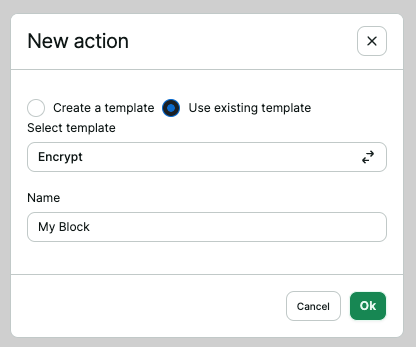
- Create template: Creates an action that will be available in the component library. This means creating a code base that will define a set of properties and a program to return data.
- Using a template: Creates a saved action from an existing base. The name will be the identification of this element.