

Legacy admin: Blog
Adding a blog
Retired legacy admin archive. Fresh and the former deco.cx admin are retired. Use released Blocks 7.x for the website runtime and Studio Site Editor for current content work. This page preserves the former deco.cx admin workflow and screenshots. For the Studio Site Editor, use the current editor guides. Migration notes explain the change.
The Blog represents a space for managing a blog on your website. In this
documentation, we will add a blog to your site, which is one of the deco Apps.
An App allows you to add new functionalities to your site in a simple way.
To add an app to your site, click on the Apps tab. You will see all the available apps. In this case, we will add the Blog App, which adds sections, integrations, and functionalities to write and manage blog posts to your site. Click on the toggle button and the app will be installed on your site.
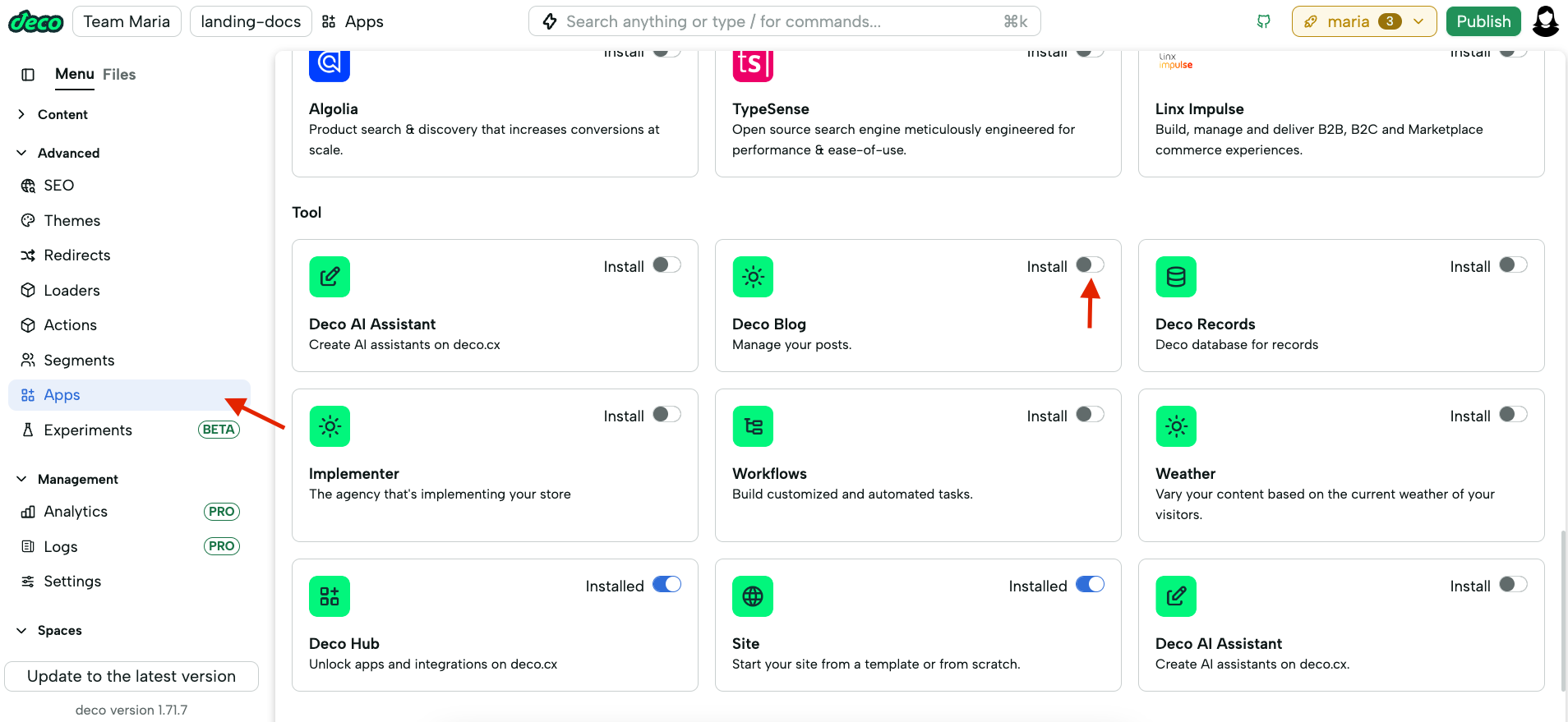
Now you can manage your blog and add posts, authors, and categories.
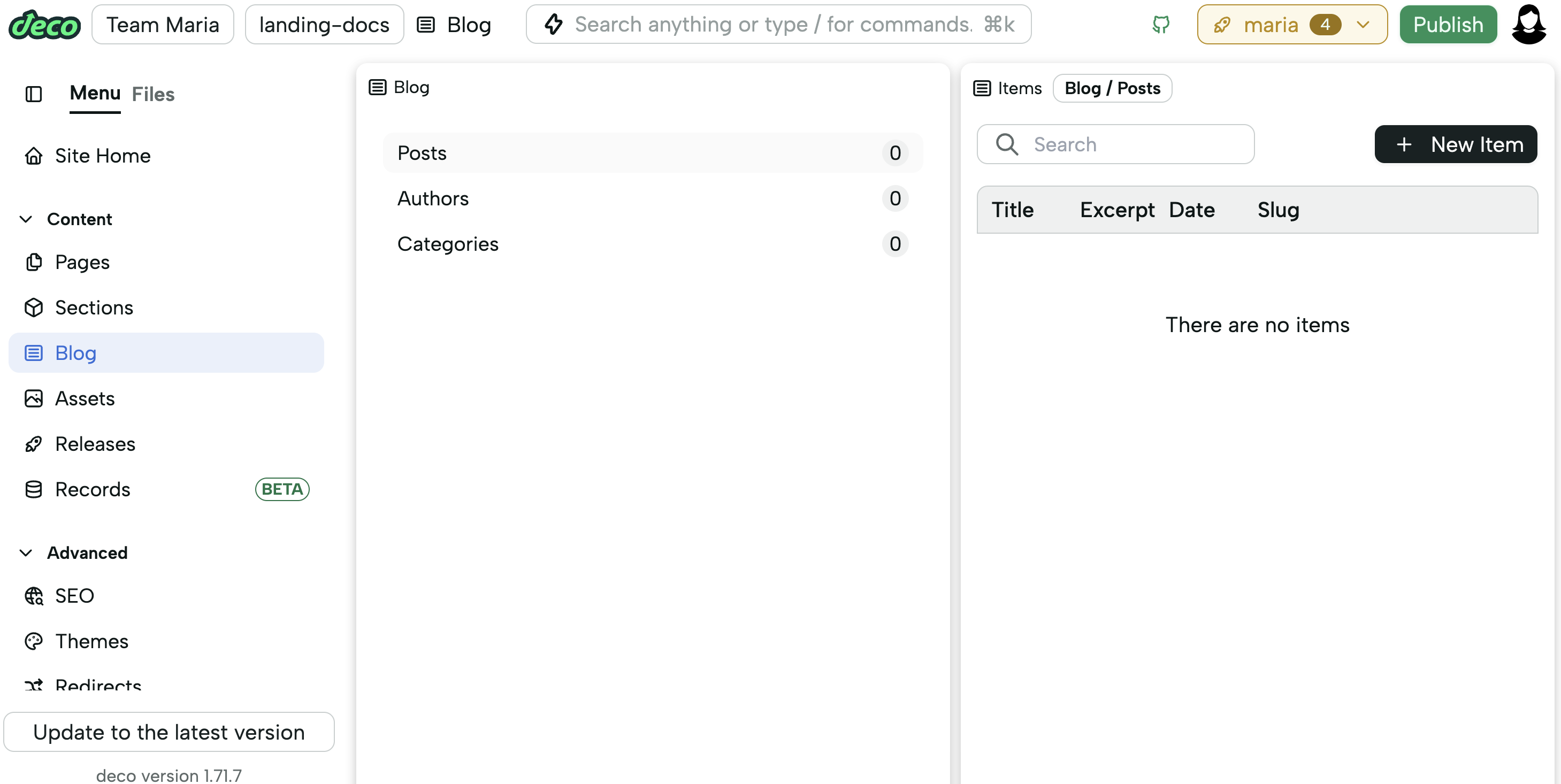
Specifically for the Blog app, you can access the app's functionalities through its own space. For most apps, their functions and components will be displayed in other spaces (sections, actions, loaders, ...).
Blog pages
The blog template already has configured sections and pages.
If you have created your site from another template, we recommend copying these elements from the blog template repository.